Migrating to Shopify from Commerce Cloud (Agentforce Cloud)
Move off GMV-based pricing and cartridge development onto a platform where a campaign ships in an afternoon.
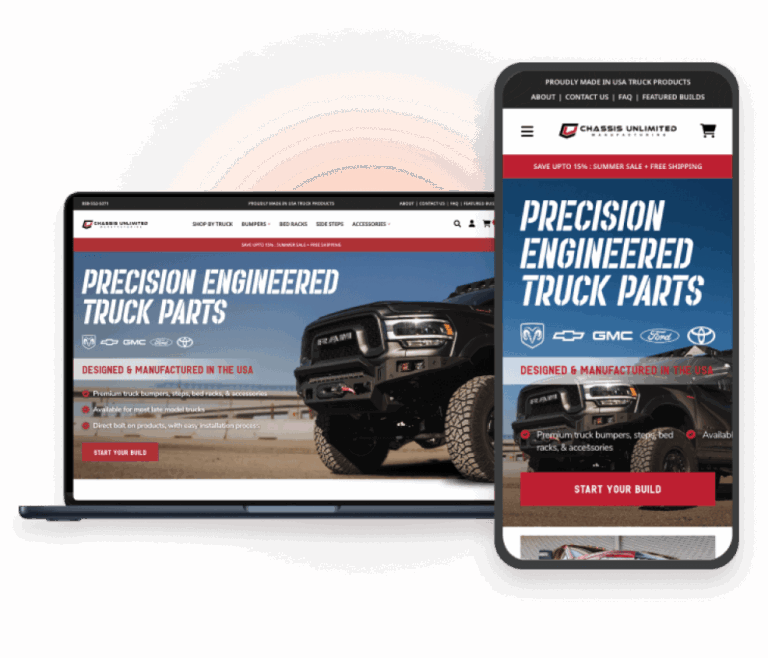
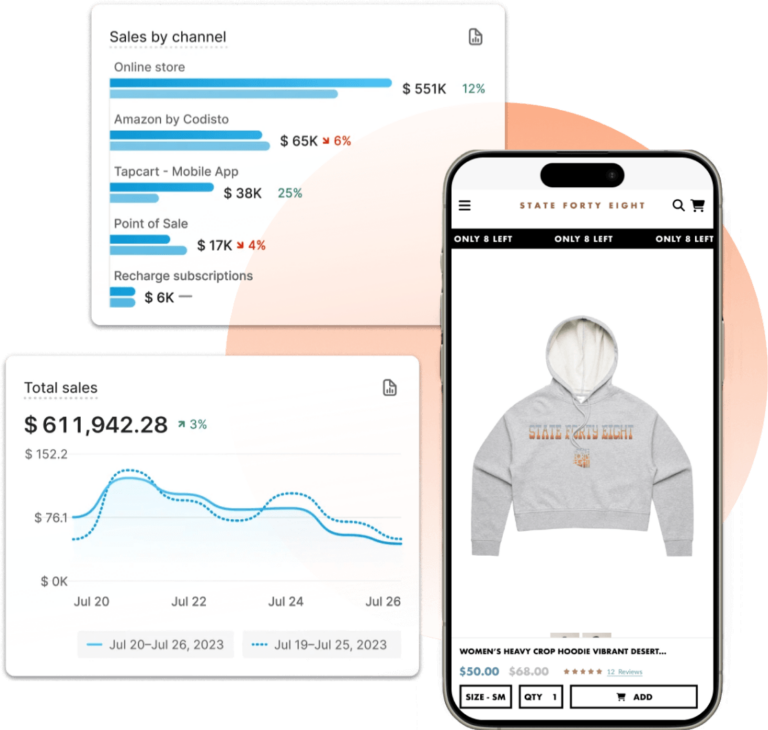
Unleash speed, adaptability, and reliability with Shopify’s unified commerce platform.
Ditch the revenue share. Commerce Cloud charges a percentage of everything you sell, on top of the development cost of every cartridge change. We migrate your catalog, customers, and order history onto Shopify Plus, where your platform cost stops scaling with your own success.
Common Struggles from Commerce Cloud Users
- Platform fees that scale with your revenue
- Cartridge development for routine changes
- Certified-partner dependency for every release
- Page Designer limits merchandisers hit daily
- Long implementation cycles for small campaigns
Expert Support Every Step of the Way
We ensure your transition is zero-downtime and zero-stress.
Frequently Asked Questions
All of Your Commerce Cloud (Agentforce Cloud) to Shopify Migration Questions Answered
Salesforce renamed Commerce Cloud to Agentforce Commerce. Does that change anything for us?
The Spring ’26 rebrand renamed the product; it didn’t change the platform, your contract or your architecture. Cartridges, Business Manager, SFRA and your revenue share terms all work the way they did. If you were evaluating a replatform before the rename, the case hasn’t shifted. It just has a new name on the invoice.
What do you migrate from Salesforce Commerce Cloud to Shopify Plus?
Product catalog and variation attributes, categories mapped to collections, images and media, price books, customer lists and profiles, a prioritized window of order history, Content Assets and Page Designer content, navigation, and available SEO metadata. Exact fields and record counts are confirmed in Discovery and documented in the SOW.
How do you get data out of SFCC?
Through the site export and catalog XML feeds in Business Manager, WebDAV, the Jobs framework and SCAPI or OCAPI where an API path is cleaner. Custom Objects and site preferences usually hold business logic that never appears in a standard export, so we inventory them explicitly rather than trusting the export to be complete.
How do price books and the promotion engine map to Shopify?
Standard list and sale price books become Shopify prices; customer-group and contract price books map to Shopify Plus B2B catalogs and price lists. SFCC’s campaign, qualifier and coupon model is more expressive than Shopify’s native discounts, so we inventory active promotions in Discovery and rebuild them with Shopify Functions, native discounts or Scripts, and tell you upfront about any that can’t be reproduced as-is.
What happens to our cartridges and LINK integrations?
Cartridges don’t port. We inventory every custom and LINK cartridge, then follow a native-first approach: Shopify native features or vetted Plus apps first, custom apps only where a real capability gap exists. Most LINK cartridges have a direct Shopify App Store equivalent (ESP, reviews, tax, search, subscriptions), usually at lower cost.
We're on SFRA. Some of us are still on SiteGenesis. Does that matter?
Only to front-end effort. Either way the storefront is rebuilt as a Shopify Online Store 2.0 theme. SiteGenesis sites tend to migrate more cleanly in one sense: the accumulated ISML and controller customization is usually so dated that nobody argues for preserving it.
What about Page Designer and Content Assets?
Page Designer components and Content Assets map to Shopify sections, blocks and metaobjects, so marketing keeps modular, drag-and-drop page building without a developer. Content Slots driven by scheduling or customer-group rules are rebuilt with Shopify’s native scheduling and B2B catalog visibility, or with a custom app where the targeting logic is unusually specific.
We're on the Composable Storefront / PWA Kit. Should we stay headless?
Not automatically. If you’re on Managed Runtime, moving to a Shopify Online Store 2.0 theme usually removes an entire layer of infrastructure and front-end maintenance without a real UX cost. If you have a genuine reason to stay headless, Hydrogen and the Storefront API are there. We document the tradeoffs on performance, editorial control and developer cost in Discovery.
What replaces Einstein recommendations and Einstein Search?
Shopify Search & Discovery handles faceting, synonyms and boosting using the metafields we migrate, and Shopify’s native recommendations cover common merchandising placements. Where Einstein was doing real work for you, we benchmark a dedicated personalization or search app against your current conversion data rather than assuming parity.
How does this affect our costs?
SFCC is priced on a share of your GMV, which means your platform bill rises with every successful quarter. Shopify Plus is a platform fee plus apps and payment processing. For most brands the crossover is decisive at scale, but it depends on your revenue share rate and app mix, so we build a side-by-side TCO model in Discovery and you decide on your own numbers.
We use Salesforce Order Management. Can we keep it?
Yes. Salesforce OMS can be integrated with Shopify through middleware or a custom connector, and plenty of brands keep it as the system of record while replatforming the storefront. We also evaluate whether Shopify’s native order management plus your ERP covers the requirement. Sometimes OMS was solving a Commerce Cloud problem rather than a business one.
We're on Salesforce Core and Marketing Cloud too. Does leaving Commerce Cloud break that?
No. Shopify integrates with Sales Cloud, Service Cloud and Marketing Cloud through native connectors, middleware or custom integrations. Customer, order and subscriber sync are scoped in Discovery, and the SOW defines which system owns each record and how conflicts reconcile.
How do you preserve SEO and existing SFCC URLs?
We map product, category and content URLs, including SFCC’s /s/{site}/ patterns and any SEO-friendly URL rules in place, then implement a 301 redirect plan for everything earning traffic. Metadata migrates where available, and pre-launch and post-launch crawls remediate 404s and confirm canonicals and hreflang for multi-locale realms.
Can you migrate customer accounts and passwords?
Customer profiles and customer lists migrate. Password hashes aren’t portable, so accounts migrate with a secure password reset or login invitation flow. For multi-site realms sharing a customer list, we map account consolidation explicitly during Discovery.
Will you migrate order history?
Yes, scoped in Discovery. A rolling 12–24 month window is typical. We plan for order number preservation, tax and accounting reconciliation, and returns mapping so support and finance aren’t working from a gap.
How do multi-site realms map to Shopify?
Depending on localization, catalog overlap and operational structure, we recommend a single Shopify Plus instance using Markets and localization, multiple Shopify stores, or a hybrid. Tradeoffs on shared inventory, content duplication and integration count are documented in Discovery rather than decided by default.
Can we replicate our SFCC checkout customizations?
Shopify’s checkout is SaaS-managed. Branding, supported configuration and Checkout Extensibility are included; controller-level checkout logic from SFCC is scoped separately and implemented only where Shopify Plus allows extensibility. Anything unsupported is identified in Discovery.
How long does a Salesforce Commerce Cloud to Shopify migration take?
Most engagements run 4–6 months depending on catalog complexity, cartridge count and integrations. Multi-site realms and heavy Salesforce ecosystem integration push toward the longer end. Discovery produces a firm timeline and commercial proposal.
What is typically out of scope?
Custom cartridge logic that can’t reasonably be replicated, checkout modifications beyond Shopify’s supported configuration, fully custom theme builds without separate agreement, large-scale BI or data warehouse replacement, and Salesforce license negotiation. Out-of-scope items are documented and handled via Change Order.
How do we get started?
Contact Fyresite to begin Discovery. Discovery inventories your cartridges, Custom Objects, site preferences, promotions and integrations, confirms export feasibility and acceptance criteria, and delivers a firm scope, timeline and proposal.
Stop paying a tax on your own growth.
We specialize in moving enterprise catalogs off Commerce Cloud without losing the integrations that run your business. Our migration strategy replaces revenue-share pricing and cartridge development with a platform your team controls directly, lowering total cost of ownership while improving conversion.
Get a quote from our ecommerce experts
LET’S SCALE YOUR STORE