Migrating to Shopify from Web Shop Manager
Keep your fitment-first shopping experience while moving to a faster, more flexible Shopify storefront.
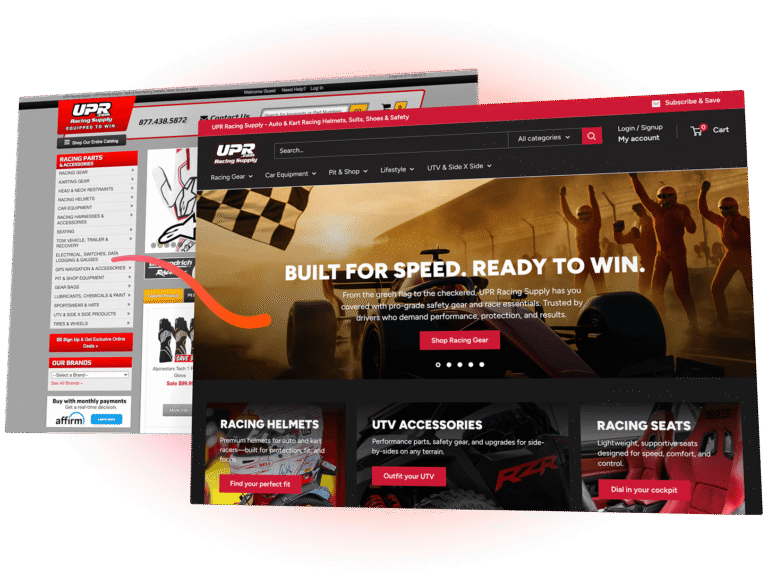
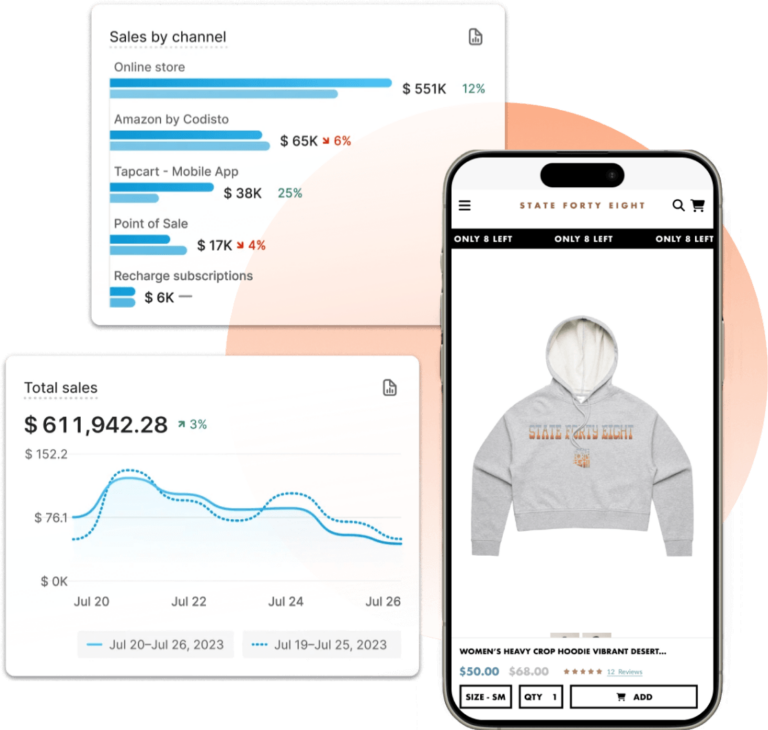
Unleash speed, adaptability, and reliability with Shopify’s unified commerce platform.
Web Shop Manager is purpose-built for automotive complexity—native Year/Make/Model shopping, ACES/PIES-ready catalog structure, and B2B/B2C support.
Fyresite helps you migrate to Shopify without losing the data structure and operational workflows your team depends on—so you can modernize the storefront, reduce platform friction, and scale with cleaner integrations.
Common Struggles from Web Shop Manager Users
- Platform limitations that slow down merchandising and content updates
- Fitment-driven catalog complexity (YMM, attributes, frequent updates)
- ERP/PIM/WMS integration complexity
- Performance bottlenecks and mobile UX gaps that hurt conversion
- SEO risk during replatforming (URLs, redirects, indexing, content parity)
Expert Support Every Step of the Way
We ensure your transition is zero-downtime and zero-stress.
Scale your complex product catalogs by migrating from Web Shop Manager to Shopify Plus.
Web Shop Manager is designed for fitment-based commerce and aftermarket catalog standards like YMM and ACES/PIES.
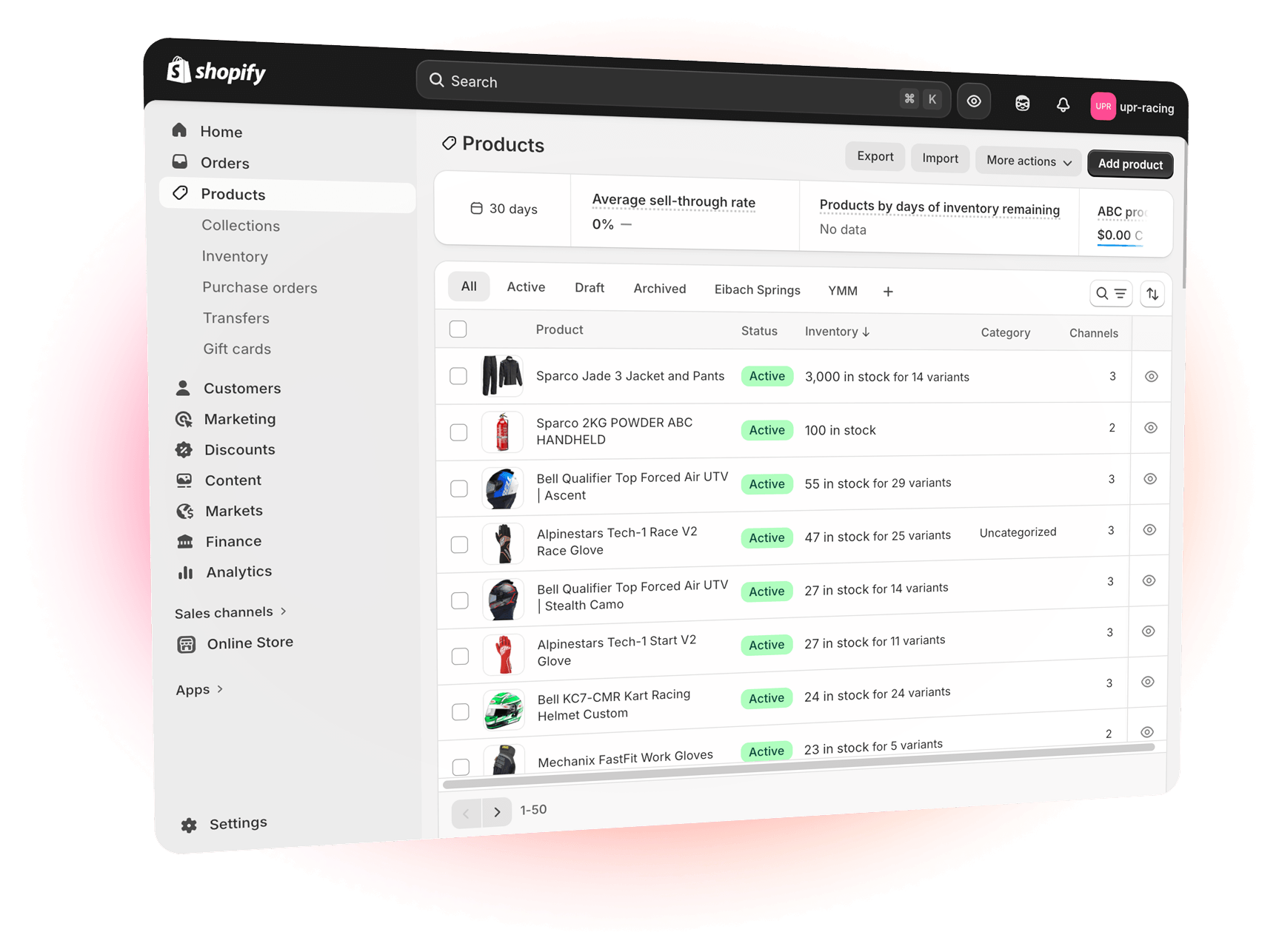
We help you bring that complexity into a Shopify Plus build that’s easier to evolve—replacing platform friction with a performance-first storefront and an integration approach that supports massive inventories, frequent updates, and operational reality.
Frequently Asked Questions
All of Your Web Shop Manager to Shopify Migration Questions Answered
What data and content do you migrate from Web Shop Manager to Shopify Plus?
Our baseline migration includes product catalogs and variants, product images, categories and collections, product metadata, customer records, a prioritized window of order history, site pages and blog content, navigation, and available SEO metadata. Exact fields and record counts are confirmed during Discovery and finalized in the SOW.
How long does a Web Shop Manager migration typically take?
Timing depends on catalog size, integration complexity, customizations and data cleanliness. Small storefronts can be migrated in a few months. More complex or enterprise-style migrations that include many integrations, custom flows or multiple storefronts commonly take longer. Discovery yields a firm timeline.
What will the migration cost?
Project cost depends on scope, integrations, custom apps, design and data complexity. Simple replatforms start at mid-five figures, while larger enterprise efforts that require custom engineering and integration can reach higher budgets. Discovery provides an exact commercial proposal.
How do you handle product options, modifiers and complex SKUs?
We analyze Web Shop Manager product structures during Discovery. Complex option sets are modeled in Shopify with variants, metafields or metaobjects and, when needed, lightweight custom apps. The goal is to preserve selection logic, inventory control and cart behavior that your business relies on.
How do you preserve SEO and existing URLs?
We map existing URLs and implement 301 redirects for high-value product, category and content pages. SEO metadata such as meta titles and descriptions is migrated when available. Pre-launch and post-launch crawls are conducted to find and remediate broken links and to confirm canonicalization.
Can you migrate customer accounts and passwords?
Customer records are migrated. Password hashes are typically not portable between platforms. We migrate accounts and trigger a secure password reset or login invitation flow so customers can set new credentials. The customer experience is documented and coordinated during Discovery.
Will you migrate orders and historical sales data?
Order migration is scoped in Discovery. Clients commonly choose a rolling window like 12 to 24 months, though other windows are supported. We plan for order number preservation, tax and accounting reconciliation, and returns mapping to avoid downstream operational issues.
What happens to Web Shop Manager apps and custom code?
Apps and proprietary server-side customizations do not transfer directly. We evaluate capability parity and follow a native-first approach: use Shopify native features or vetted Plus apps where possible, and build custom Shopify apps or connectors when necessary to match business logic.
Are tokenized payment methods and subscription data migrated?
Tokenized payment vaults and payment tokens are generally not portable between payment providers. Payment methods must be reconfigured on Shopify. Subscription and recurring billing data is vendor-specific; we assess feasibility in Discovery and coordinate migration with the subscription provider or recommend a Shopify-compatible subscription solution.
How are integrations to ERP, PIM or fulfillment systems handled?
We plan integrations in Discovery. Typical patterns include middleware, ETL tools or custom connectors to synchronize inventory, pricing, orders and customer data. Reconciliation, logging and error handling responsibilities are documented in the SOW.
Can you reproduce any Web Shop Manager checkout customizations?
Shopify checkout is a SaaS-managed environment with defined extension points. Theme styling and supported checkout options are included. Deep server-side checkout customizations require separate scoping and are implemented only where Shopify Plus allows extensibility or via approved alternative patterns.
How do you support B2B or wholesale functionality?
Shopify Plus supports B2B patterns through native primitives, apps and custom logic. We document required wholesale behavior in Discovery and implement matched solutions for dealer pricing, net terms, approval flows and contract pricing as part of the agreed scope.
What about multi-site or multi-store Web Shop Manager setups?
Multi-site architectures are reviewed in Discovery. Depending on localization and operational needs we may recommend a single Shopify Plus instance with Markets and localization, a headless approach, or separate Shopify stores. Tradeoffs for shared inventory, content duplication and integrations are documented.
What is included in launch and post-launch support?
We follow a phased approach: Discovery, Design and Build, QA and UAT, Launch and hypercare. Launch readiness criteria, cutover steps and rollback plans are defined in the SOW. A hypercare window and operational training are included so your team can run the storefront post-launch.
What is typically out of scope?
Typical exclusions include proprietary server-side Web Shop Manager code that cannot be replicated, unsupported checkout engine modifications, fully custom theme builds without a separate agreement and large-scale BI or data warehousing projects unless explicitly scoped. Any out-of-scope items are documented and managed via Change Order.
What should we prepare for Discovery?
Provide admin access or database exports, a list of installed apps and customizations, sample content types or product exports, sitemap and analytics access, and a list of third-party systems to integrate. This information helps produce an accurate scope, timeline and pricing.
How do we get started?
Contact Fyresite to begin Discovery. Discovery inventories data, features and integrations, confirms export feasibility and acceptance criteria, and delivers a firm project plan and proposal.
Stop fighting your platform.
If your team is spending too much time working around platform limitations, it’s time to move to Shopify with a plan built for fitment-driven commerce. We migrate your catalog and SEO footprint carefully, then rebuild the shopping experience around speed, clarity, and conversion—so customers find the right part faster and your team spends less time untangling data and workflows.
Get a quote from our ecommerce experts
LET’S SCALE YOUR STORE